
 11
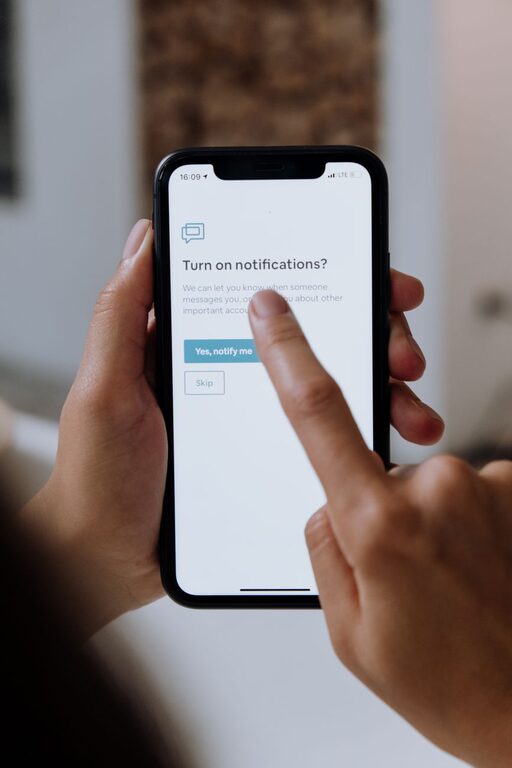
11 In our hyper-connected world, notifications are everywhere—popping up on smartphones, computers, tablets, and even smartwatches. While they keep us informed, an endless stream of alerts can easily become overwhelming, distracting us from work, rest, and meaningful interactions. Setting boundaries with notifications is essential for maintaining focus and enjoying a balanced lifestyle. This guide offers practical tips to help you manage notifications thoughtfully and reclaim your time.
Notifications are designed to capture our attention, often triggering a reflex to check messages, emails, or app updates. However, frequent interruptions can reduce productivity, increase stress, and negatively impact mental health. By consciously managing when and how notifications reach you, you can:
– Improve concentration and workflow
– Reduce anxiety linked to constant digital alerts
– Establish clearer distinctions between work and personal time
– Enhance overall well-being and mindfulness
Start by understanding which notifications you receive daily. Go through your devices and apps, and note which alerts are essential versus those that are less important or distracting.
– Open your notification settings on each device.
– List apps sending frequent notifications.
– Decide which notifications you genuinely need (e.g., work emails, calendar reminders).
– Identify notifications you can disable or customize.
This audit helps you create a tailored approach to notification management.
Most devices and apps allow fine-tuning of notification preferences. Customization lets you prioritize critical alerts and reduce noise.
– Turn off non-urgent notifications: Disable alerts from apps that don’t require immediate attention.
– Use “Do Not Disturb” modes: Schedule quiet periods during work, sleep, or family time.
– Set priority notifications: On some platforms, you can mark specific contacts or apps as priority to bypass “Do Not Disturb” modes.
– Adjust alert types: Choose silent notifications or badges instead of sounds or banners.
Experiment with different settings to find what best supports your daily routine.
Creating intentional “no-notification” periods and physical spaces can help reduce distractions.
– Notification-free mornings: Avoid checking notifications first thing; focus on priorities instead.
– Work or study blocks: Use “Focus Mode” or app timers to minimize interruptions.
– Evening wind-down: Turn off alerts an hour or two before bedtime to improve sleep quality.
– Device-free zones: Keep devices out of bedrooms or dining areas for better rest and social interaction.
Clearly defined boundaries promote better concentration and quality of life.
Several apps and built-in features can support your notification boundaries, but avoid overcomplicating your setup.
– Focus assist or Do Not Disturb: Temporarily block notifications during meetings or tasks.
– Notification summaries: Receive grouped notifications at designated times.
– App timers: Limit daily usage and notifications for distracting apps.
– Custom sounds: Assign different tones to notifications so you can identify urgency without checking immediately.
Remember, tools are most effective when you regularly review and adjust settings.
Letting colleagues, friends, and family know about your notification boundaries can help set expectations and reduce pressure to respond immediately.
– Mention your preferred times for checking messages.
– Use status messages or email auto-replies to share availability.
– Encourage others to use appropriate channels for urgent matters.
Clear communication supports mutual respect for everyone’s time and focus.
When you do check notifications, try to do so intentionally rather than reacting reflexively.
– Set specific times to review notifications, such as after completing a task.
– Avoid multitasking—focus on one notification or message at a time.
– Resist the urge to check notifications out of boredom.
Mindfulness strengthens your control over how technology fits into your life.
Notifications are valuable tools but can easily become distractions if not managed carefully. By auditing your notifications, customizing settings, creating notification-free times, using supportive technology, communicating boundaries, and practicing mindful checking, you can cultivate a healthier relationship with digital alerts. Setting boundaries empowers you to focus better, feel less stressed, and enjoy more meaningful moments both online and offline.
Start small—try one or two tips today—and gradually build a notification strategy that works best for your lifestyle. Your focus and well-being will thank you!